Apple Maps is the default on every iPhone, and iPhones are more than half of American smartphones. When a homeowner asks Siri for a plumber, Apple decides who shows up. Most home-service companies have never touched their listing. That is an opening.
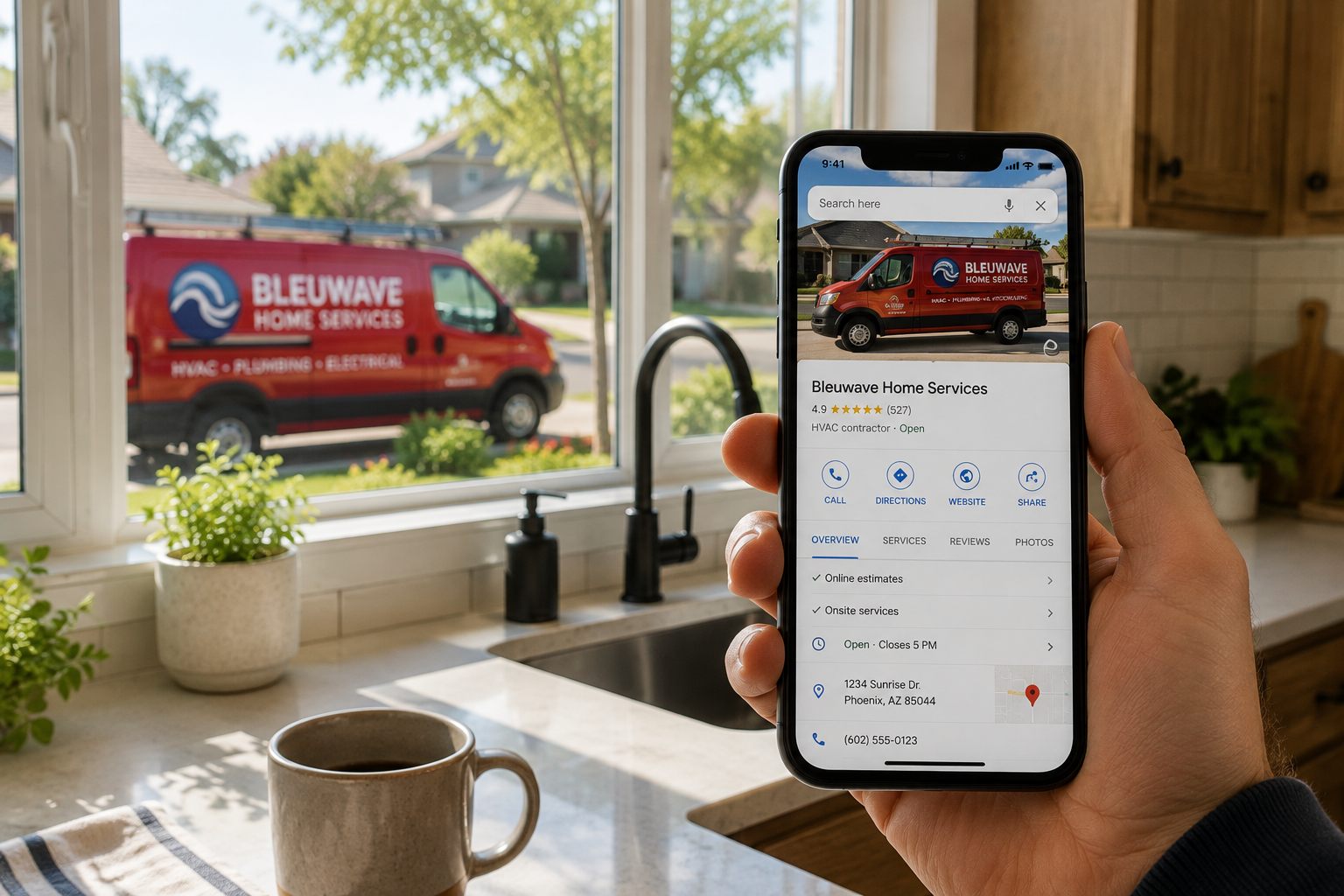
Why Apple Maps matters
Apple does not publish search numbers, but the defaults tell the story. Maps, Siri, Spotlight, Safari suggestions, CarPlay: they all read from the same place card. And iPhone owners skew toward exactly the homeowner who approves a water heater replacement without collecting three bids. Your Google Business Profile gets all the attention. The Apple card gets the neglect, which is why one careful hour can put you ahead of every competitor in town.
Claim your place card
Go to Apple Business Connect at businessconnect.apple.com, sign in with an Apple Account, and claim your business. It is free. Verification usually takes a few days by phone or paperwork. Then fill in everything: hours, phone, website, service area, description. An unclaimed card is Apple's best guess, assembled from data brokers. Guesses lose calls.
Add photos that match the polish
Apple's place cards are image-forward. A claimed card with good photos looks like a business; an empty gray card looks like a disconnected number. Upload the logo, a clean cover shot of a truck or crew, then real job photos. Shoot once, post twice: the same photo discipline that feeds your Google profile works here without extra effort.
Run Showcases for offers
Showcases are Apple's free promo banners: a card on your listing for whatever you want to push. A fall furnace tune-up. A gutter-cleaning special. They run on dates you set, and almost no home-service company uses them. Rotate one per season and you will be the only truck in town with a current offer on the map.
Set action links that start jobs
Business Connect lets you attach action buttons to the card: call, book, request a quote. Point them somewhere that converts, whether that is your contact page or the per-job local pages we build automatically. The fewer taps between the map and your phone number, the more jobs come out the other end.
Keep the card matched to reality
Hours change. Service areas grow. Numbers move. Put the Apple card on the same quarterly checkup as your Bing Places listing: fifteen minutes, four times a year. When Apple, Google, and your website all agree, every mapping service trusts the data more, and trust is the whole game.
Common Questions
Do I need a Mac or an Apple developer account?
No. Business Connect is a free website that runs in any browser, Windows included. You need an Apple Account, which you can create with your existing work email in a few minutes. Nothing to install, nothing to pay.
How long does Apple's verification take?
Most home-service businesses clear it in a few days. Apple may confirm by phone or ask for documents proving the business name and address. Matching the details on your website exactly speeds it up.
Where does my place card appear besides the Maps app?
Siri results, Spotlight search, Safari suggestions, CarPlay, the Apple Watch, and the many iPhone apps that embed Apple Maps for directions. One card feeds all of them, so an unclaimed card leaks calls in a dozen places at once.
Keep Reading
How to Optimize Your Google Business Profile
Seven fixes that move a home-service company up the map pack, in order of payoff.
Read the guide Bing PlacesHow to Optimize Your Bing Places Listing
Twenty minutes of setup for the search engine your competitors ignore.
Read the guideThe pages behind those action links can build themselves.
Digital Yard Sign SEO turns every job your crew logs into a local page that maps and search engines can send people to. One saved job a month pays for it.
Get Started